DST is an embroidery file format: a .dst file is a stitch file in the Tajima format, and it is the most widely accepted format on commercial embroidery machines. It stores the position of every stitch and the points where the machine stops for a color change.
If you have received a .dst file and your computer cannot show it, that is normal. A DST file is not a picture. This guide covers what is inside one, how to open it and when it is the right format to ask for.
The short version: if you sew on a commercial or multi-needle machine, DST is usually the safest choice. It does not store thread colors, so you set those on the machine.
What is a DST file?
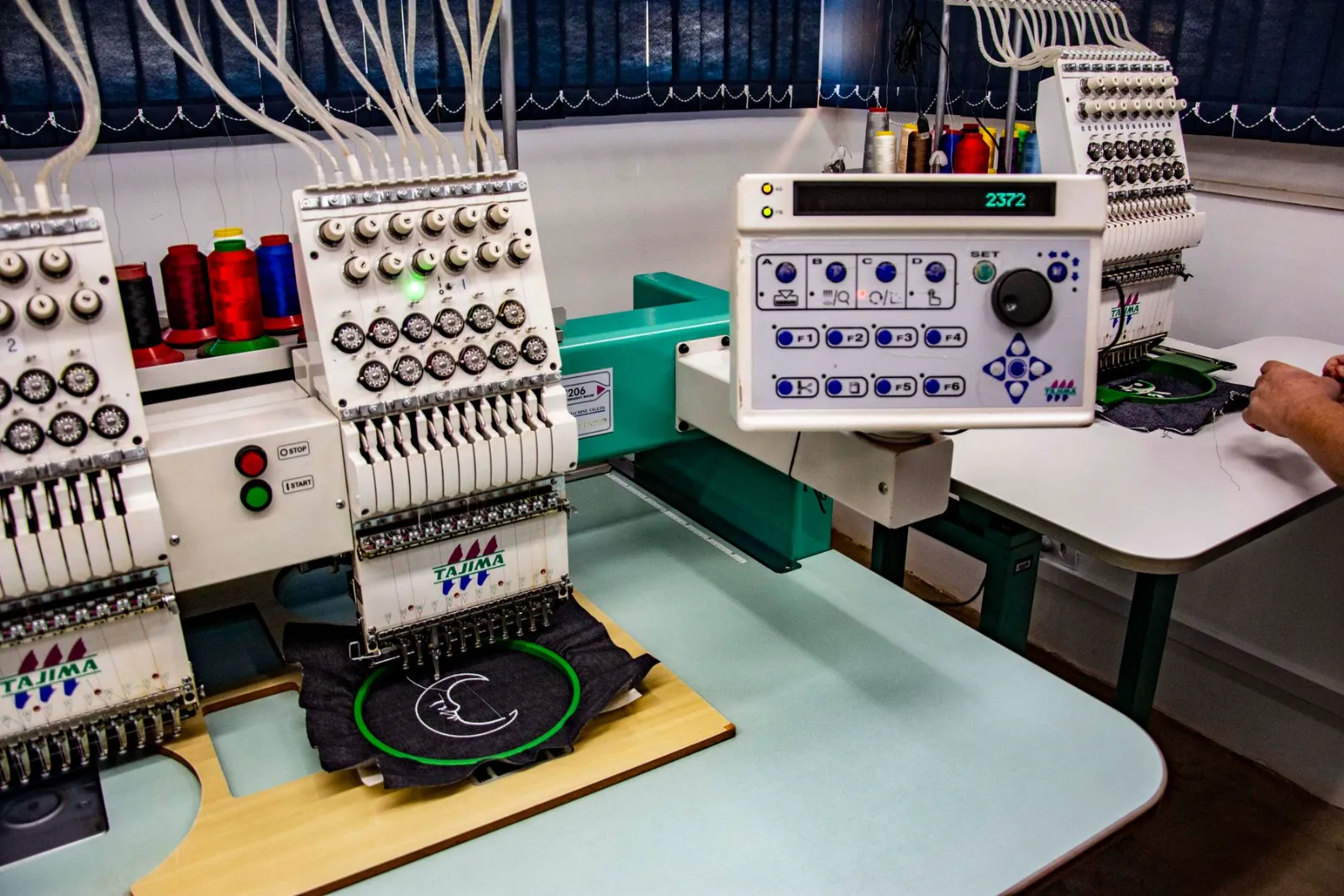
DST stands for Data Stitch Tajima. It was created for Tajima machines, and because so many other machines and software packages learned to read it, it became a kind of common language for commercial embroidery.
The file is a list of instructions. Each one moves the needle a small distance from the last point, and some of them tell the machine to jump, trim or change color. The machine simply follows the list from start to finish.
What does a DST file contain?
- A short header with basic details such as the design label, the number of stitches and the overall size.
- The movement of the needle for every stitch, stored in very small steps.
- Jump and color change commands, so the machine knows where to stop or move without sewing.
- An end marker that tells the machine the design is finished.
What it does not contain is thread color information. A DST file only says that a color change happens, not which color to use. That is why a design sent as DST should come with a color list or a preview image.
Which machines use DST files?
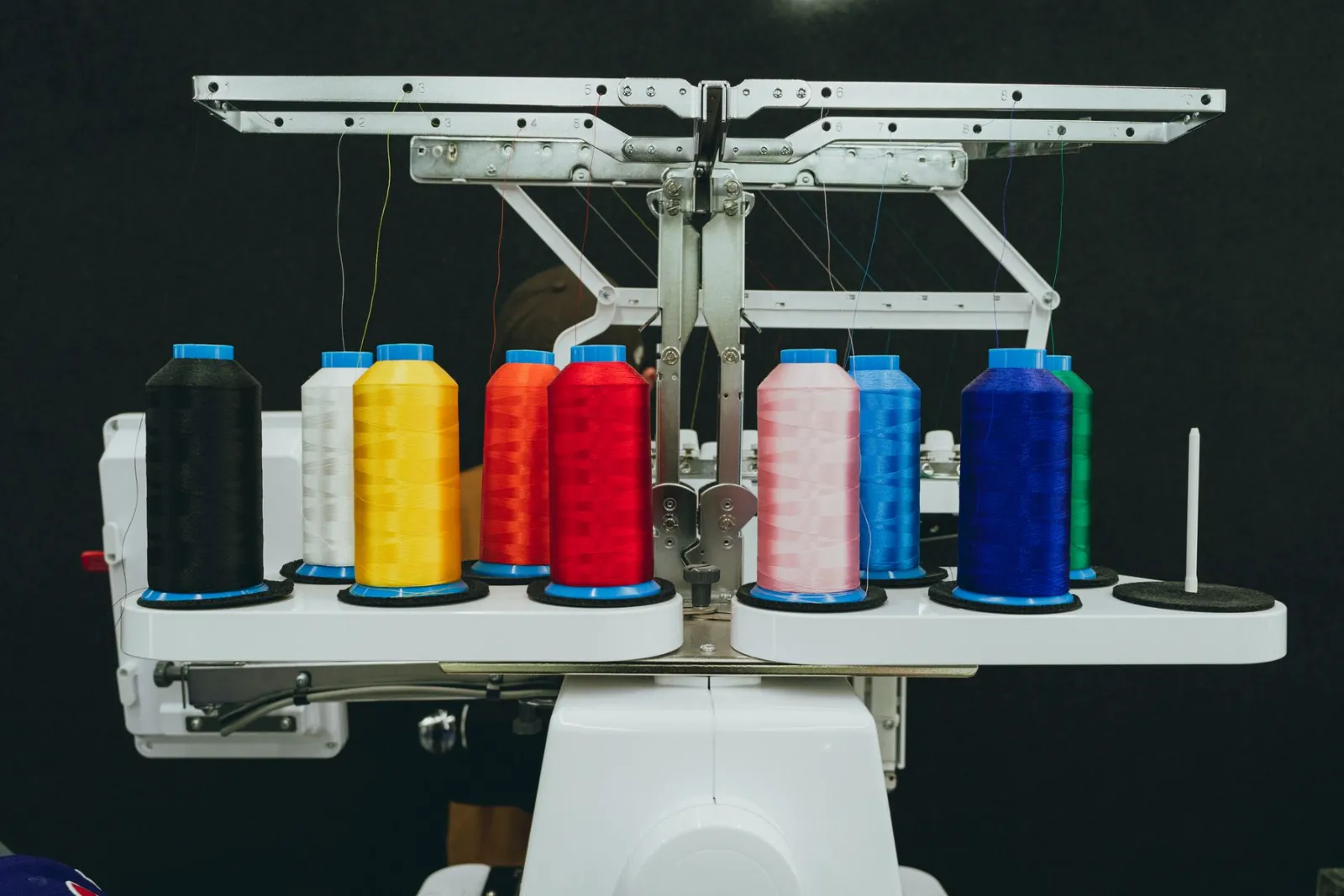
Tajima machines read DST natively, and most other commercial and multi-needle machines accept it as well. That includes many industrial models from other brands, which is why shops that work with different machines often ask for DST by default. Home machines often use another format, such as PES on Brother, so check your manual before you order.
DST vs. PES: which one do you need?
- DST is the broad commercial format. PES is made for Brother and Baby Lock.
- PES stores thread colors. DST does not.
- Both can hold the same stitches, but a poorly digitized design stays poor in either format.
If you are not sure, ask the person who runs the machine which format it takes. Our embroidery file formats guide lists the common formats and the machines that use them.
How do you open a DST file?
A normal picture viewer cannot open it. You need embroidery software or a viewer. Free tools such as Ink/Stitch, which works inside Inkscape, can import DST files, and Wilcom TrueSizer is a free viewer for common stitch formats. Most commercial machines can read a DST file from a USB stick and show a preview before you sew.
Opening a DST file in a viewer is a good habit before sewing. You can check the size, the stitch count and the sewing order before you waste a garment.
Can you turn a JPG or PNG into a DST file?
Not properly. A JPG or PNG is only a picture. To sew well, the artwork has to be digitized: someone chooses the stitch types, direction, density and underlay for your size and fabric, then saves the result as a DST file. Automatic converters usually struggle with small text and fine detail. Our step-by-step guide on how to make a DST file shows what that involves.
Common mistakes with DST files
- Renaming another file to .dst. The extension does not change what is inside, and the machine will not read it.
- Resizing too much. Stitch files do not scale like pictures, because density and stitch length are planned for one size.
- Forgetting the colors. Keep a color list or preview with the file, since the DST itself has none.
- Ordering the wrong format. Confirm what your machine reads before you place the order.
What to send when you order a DST file
- Your logo or artwork in the clearest version you have.
- The size you want, and the garment or fabric.
- Your machine type, so the file suits it.
- Thread colors, if they need to match a brand.
Tell us you need DST and we deliver it by email, with free edits and revisions if anything needs adjusting. You can order a DST file for your logo: send your artwork through the quote form and we will confirm the price for your size.
Frequently asked questions
What is a DST file used for?
A DST file runs an embroidery design on Tajima and most other commercial machines. It tells the machine where to place each stitch and when to stop for a color change.
Does a DST file store thread colors?
No. It only marks where a color change happens, so you choose the thread colors on the machine or follow a color list that comes with the file.
Can I open a DST file on my computer?
Not with a normal picture viewer. You need embroidery software or a free viewer, and many machines can show a preview from a USB stick.
Is DST better than PES?
Neither is better in general. DST is the common commercial format, while PES is made for Brother and Baby Lock machines, so choose the one your machine reads.
Can a JPG be converted to a DST file?
A picture has to be digitized first, which means planning the stitches by hand or with software and then saving as DST. A plain converter usually gives rough results.
By Abdul Rafay · Digitize’NStitch ·