A PES file is the embroidery file format used by Brother and Baby Lock machines. It holds the stitch instructions for a design, including the thread colors, so the machine knows where to sew and when to change color.
If you have ever downloaded a design and found a .pes file that your photo viewer cannot open, that is normal. A PES file is not a picture. This guide explains what is inside one, how to open it and when to ask for PES instead of DST.
The short version: if you sew on a Brother or Baby Lock machine, order your design as a PES file. Commercial machines usually want DST.
What is a PES file?
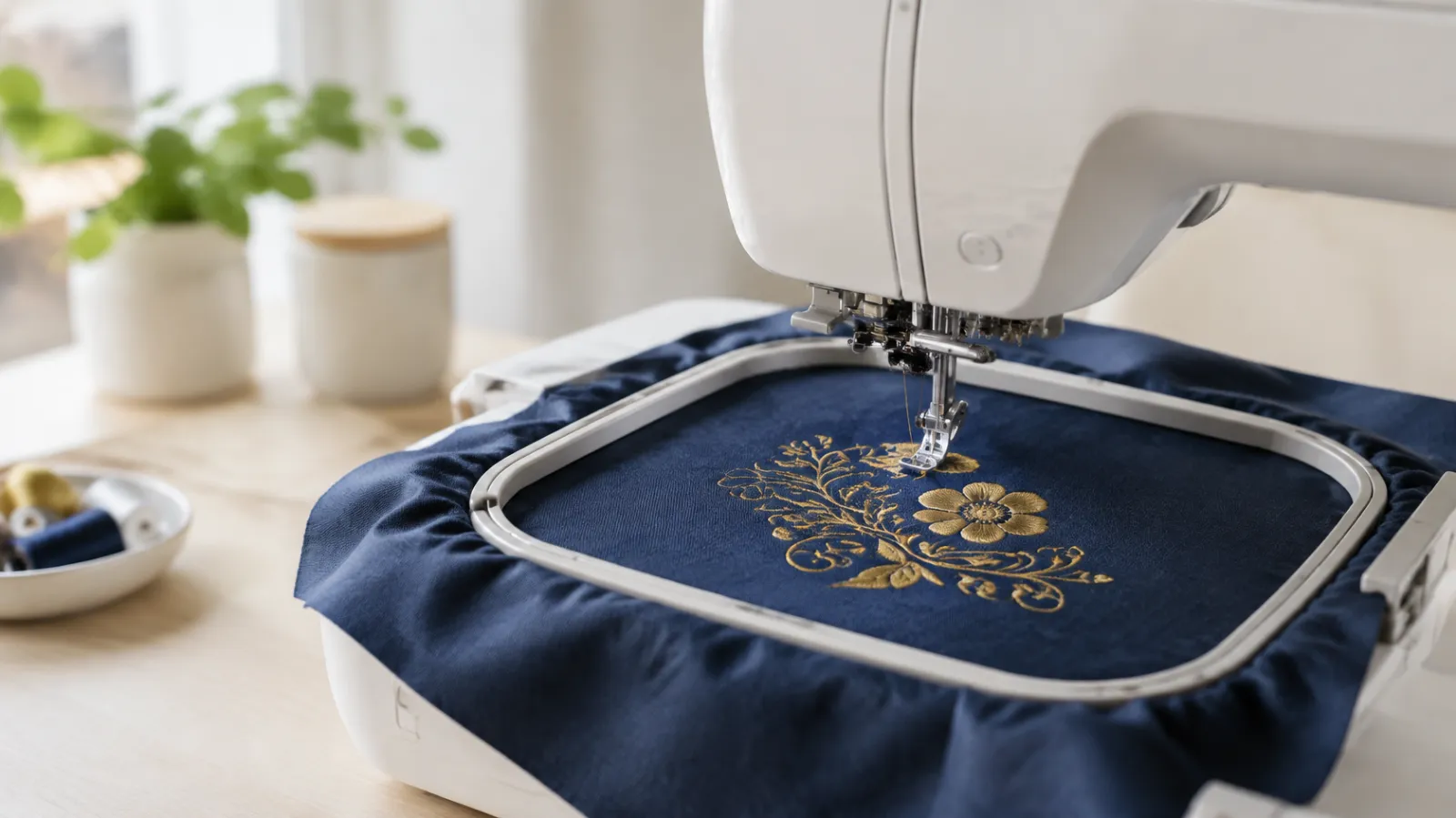
PES is the embroidery format made by Brother. A PES file is a set of instructions, not an image: it tells the machine the position of every stitch, the order they are sewn in and where to stop for a color change.
Because it is a stitch file, it is tied to the size it was digitized at. The stitches are planned for that size, that fabric and that density, which is why you cannot stretch a PES file the way you would stretch a JPG.
What does a PES file contain?
- The position and order of every stitch.
- Color changes, so the machine knows when to stop and ask for a new thread.
- Thread color information, which is a real advantage over DST.
- The overall size of the design, so you can check it against your hoop.
Which machines use PES files?
PES is the standard home and semi-commercial format for Brother and Baby Lock machines. Other brands use their own formats: JEF for Janome, VP3 for Husqvarna Viking and Pfaff, EXP for Melco and many Bernina models, and DST on Tajima and most commercial multi-needle machines. If you are not sure, check your machine manual. Our embroidery file formats guide has the full list, and our guide on what a DST file is covers the commercial format.
PES vs. DST: what is the difference?
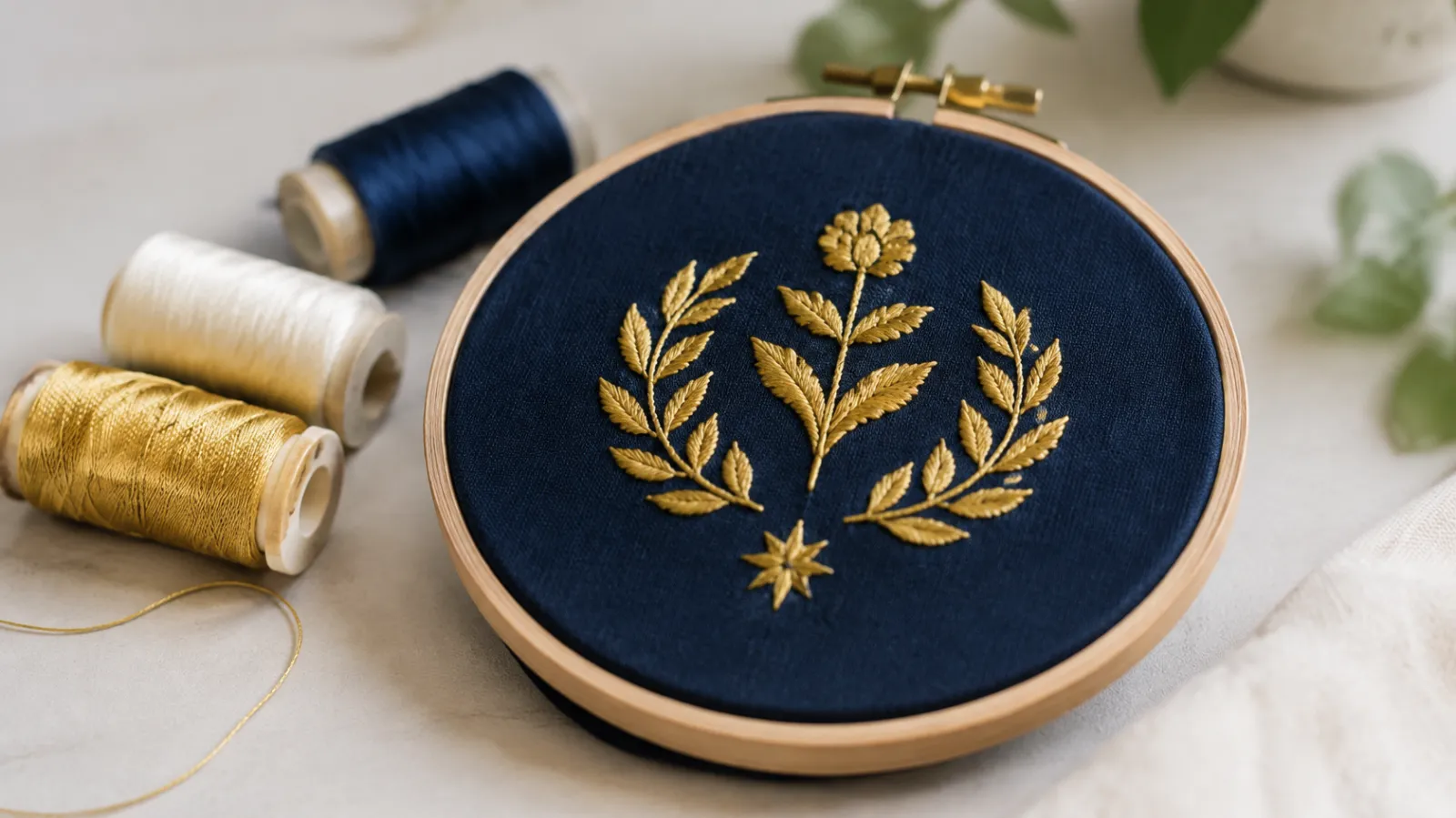
Both are stitch files, but they are built for different machines.
- PES stores thread colors. DST does not, so you set the colors on the machine.
- PES is made for Brother and Baby Lock. DST is the most widely accepted commercial format.
- A design can be saved in both formats, but converting does not fix a poorly digitized design.
How do you open a PES file?
A normal picture viewer will not show it. You need embroidery software or a viewer. PE-Design from Brother can open and edit PES files, and free tools such as Wilcom TrueSizer and Ink/Stitch can open or preview them. Most Brother machines can also read a PES file from a USB stick and show a preview on the screen before you sew.

Do not rename a DST file to .pes. The extension does not change what is inside, and the machine will not read it.
Can you turn a JPG or PNG into a PES file?
Not properly. A JPG or PNG is only a picture. To sew well, the design has to be digitized: someone sets the stitch types, direction, density and underlay for your size and fabric, then saves the result as a PES file. Automatic converters usually sew poorly, especially on small text and fine detail. That is what our embroidery digitizing service does.
Common problems with PES files
- The machine will not read the file. Check that you are using the right format and, if your software allows it, try saving an older PES version, because some machines are picky about versions.
- The design is bigger than the hoop. Check the size against your hoop before you sew.
- The size was changed too much. Stitch files do not scale like pictures, so large size changes are best made from the original working file.
- The colors on screen look different from your thread. The colors in the file are a guide, so match them to the thread you actually have.
What to send when you order a PES file
- Your logo or artwork in the clearest version you have.
- The size you want, and your hoop size if you know it.
- Your machine model, so the file matches it.
- The garment or fabric.
- Thread colors, if they need to match a brand.
Tell us you need PES and we deliver it by email, with free edits and revisions if anything needs adjusting.
Frequently asked questions
What is a PES file used for?
A PES file is used to run an embroidery design on Brother and Baby Lock machines. It tells the machine where to place each stitch, in what order, and when to change thread color.
Is a PES file the same as a DST file?
No. Both are stitch files, but PES is the Brother and Baby Lock format and stores thread colors, while DST is the widely used commercial format and does not store colors. Choose the one your machine reads.
Can I open a PES file on my computer?
Not with a normal picture viewer. You need embroidery software or a free viewer, and many Brother machines can also show a preview from a USB stick.
Can a PES file be converted to DST?
Yes, a stitch file can be saved in other machine formats. Converting does not fix a poorly digitized design, so for large changes it is better to start from the original working file.
Which machines read PES files?
Brother and Baby Lock machines read PES. Other brands use formats such as JEF, VP3, EXP, XXX or DST, so check your machine manual.
By Abdul Rafay · Digitize’NStitch ·